Address
Room 1006 A Building Gaosheng , No.18,Shajin Center Road S Baoan District, Shenzhen , China,518105
E-Mail:
info@viewlinktech.com
Address
Room 1006 A Building Gaosheng , No.18,Shajin Center Road S Baoan District, Shenzhen , China,518105
E-Mail:
info@viewlinktech.com
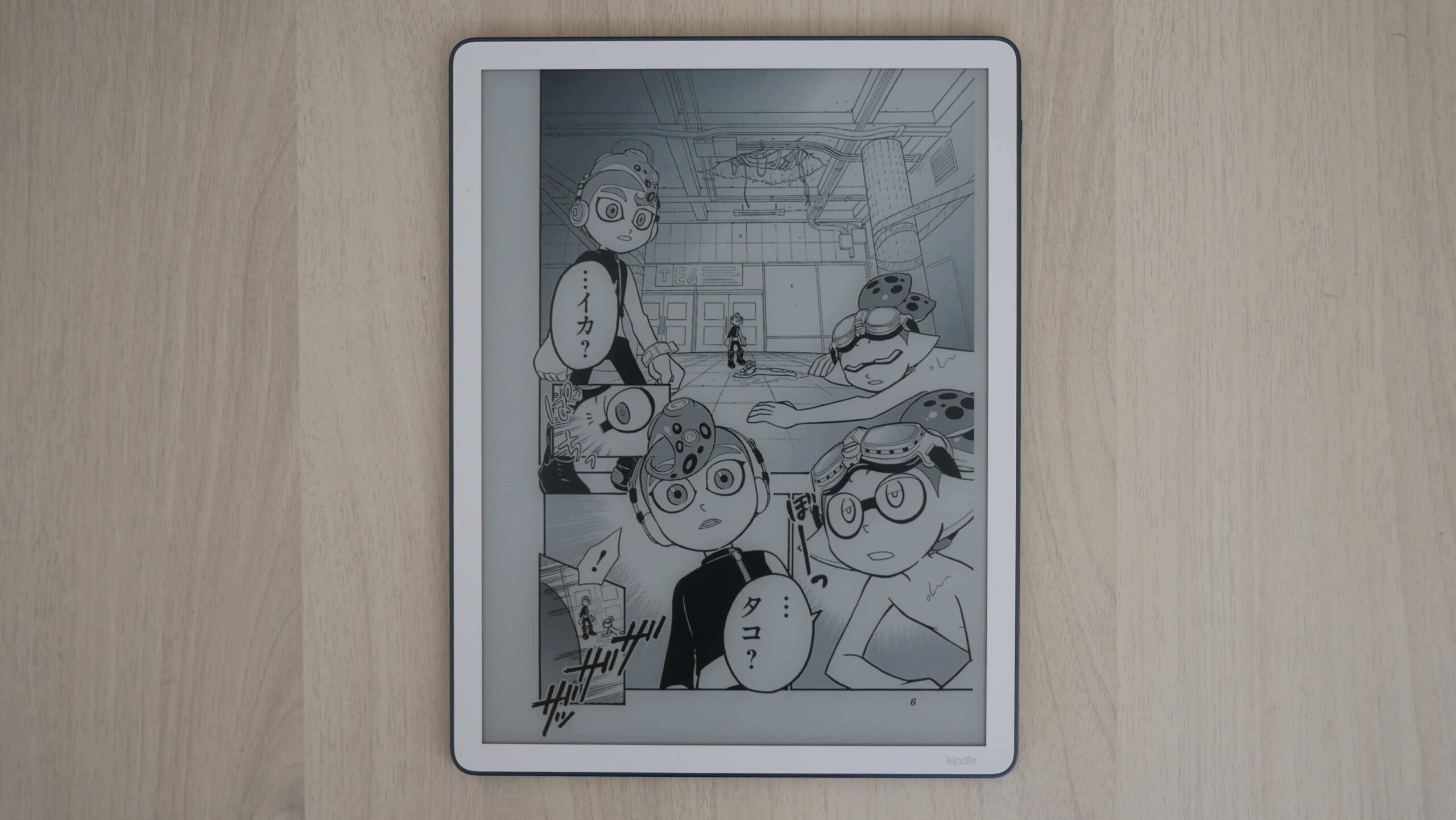
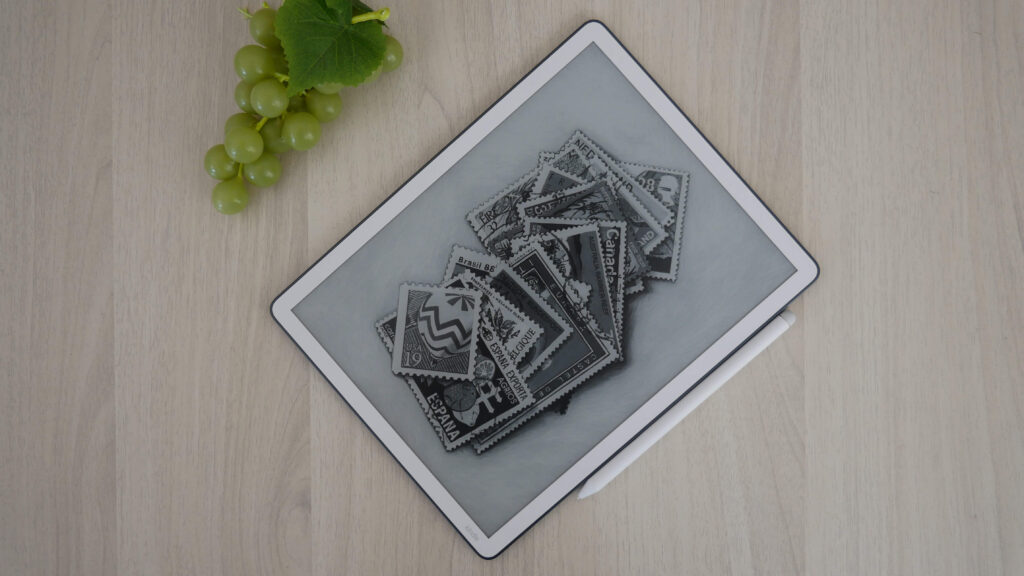
The Amazon Kindle Scribe 3 is the latest generation e-notebook and e-reader with a giant 11-inch screen and a traditional black-and-white e-paper display. Amazon also bills this as the Kindle Scribe with Front Light, in a little bit of mixed messaging. This device is primarily geared towards freehand drawing, note-taking, and editing e-books and PDF files. Recently, this product received a software update that allows users to edit PDF files sent to the Scribe via USB, making it easier to send files to the Scribe.
If you do not intend to draw or edit documents, the Scribe makes for a very capable, dedicated book reader. The 11-inch screen is the largest that Amazon makes, allowing more text to fit than the Kindle Paperwhite, and it’s also tremendous for people with vision disorders or those who need to wear reading glasses for small text. The Kindle Scribe can increase text size or change fonts. There is also Profiles, which remembers all of your e-reading settings, in case you have one for books, one for e-textbooks, or comics.
Hardware
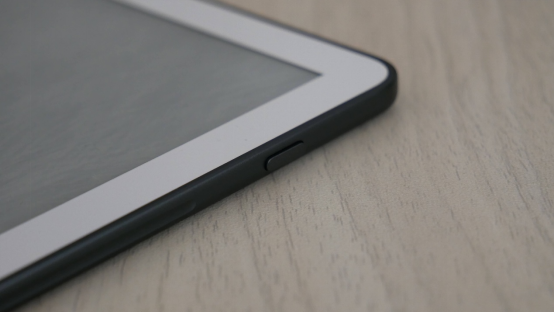
The Kindle Scribe 3 features an 11-inch E INK screen with a resolution of 1980×2640, 300 PPI, and 100 nits of brightness. It features both cool and warm lighting to adjust screen brightness. and includes an ambient light sensor to automatically adjust the brightness, depending on your surroundings. The screen is also flush with the bezel and protected by a layer of glass.
Under the hood is a quad-core processor, an indeterminate amount of RAM, and either 32GB or 64GB of internal storage. It does not include speakers, but it does support Bluetooth 5.1 for listening to Audible Audiobooks. Buy books, digital comics, and manga from the Kindle bookstore via WIFI 5. The battery lasts for 12 weeks of reading and 3 weeks of writing, and it is charged via USB-C.
The new Amazon Kindle Scribe Premium Pen is a battery-free, magnetic stylus designed for note-taking and highlighting, featuring an improved dedicated eraser and customizable shortcut button. It offers high-precision writing with no pairing required and includes five replacement tips. One of the big advantages of this model is the integration with Google Drive and Microsoft One.
Despite its still-high price tag, the 2025 Kindle Scribe is worth buying. It lives up to the Kindle expectations of speedy devices. With its improved processing and reorganized home screen, it’s a well-designed e-reader, especially for students looking to use the Kindle Scribe for note-taking. However, it is far more affordable than the Kindle Scribe Colorsoft, which comes in at $499.99 for the base model.
Software
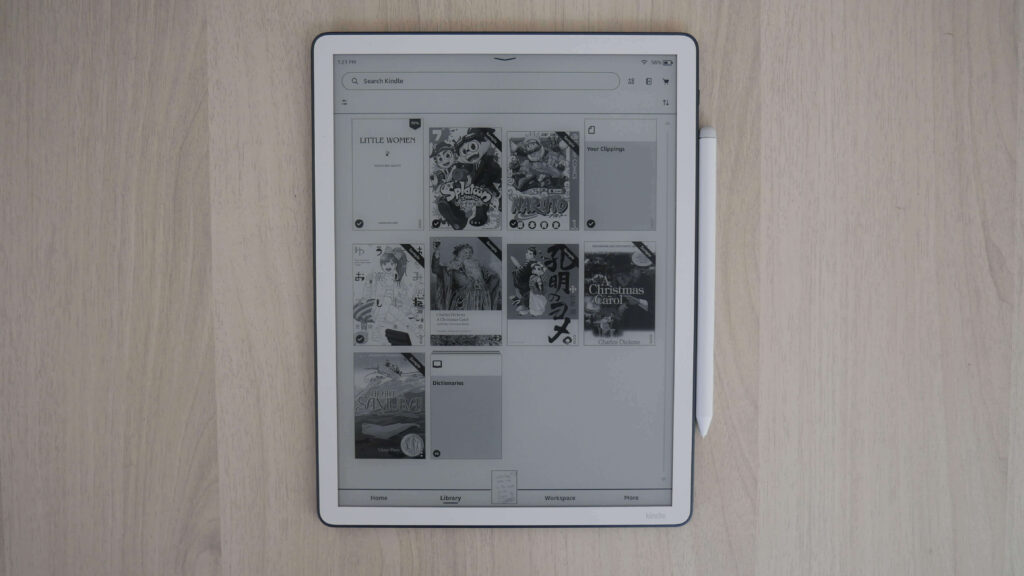
The Amazon Kindle Scribe runs Linux as the operating system, which makes the device stable and provides long battery life. This is the same OS that Rakuten Kobo uses for all of their devices. You can get away with having less RAM and a slower processor than a typical Android e-reader or e-notebook, which runs tons of background processes and is typically power hungry to run Android apps.
I like how the Kindle Scribe has really increased performance for this generation; everything is a bit speedier, from navigating the menus to flipping the pages of an e-book, comic, or PDF file. If you have the 1st- or 2nd-gen Scribe and found it slow and sluggish, this model should tick all those boxes in spades.
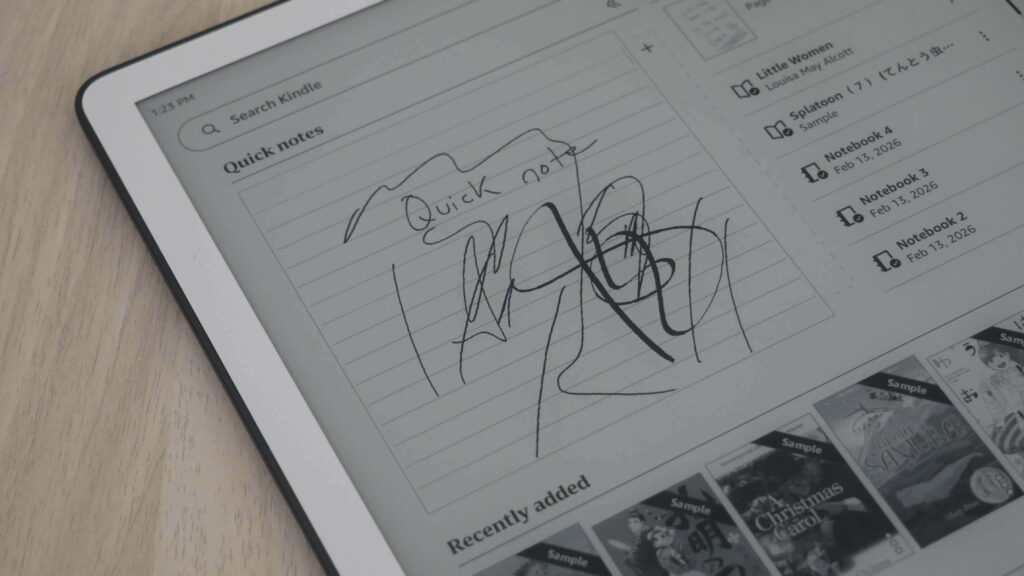
The new home screen is very unique for the Kindle Scribe. There’s a premade notebook at the top called Quick Notes, but you can’t write directly on it, even though it looks like you can. Instead, you can tap on it and instantly enter that notebook, and it also provides a visual of what you last wrote. I like using it for the day’s to-do list. Then there’s a “Jump Back In” section on the right that shows your last five open items, whether they’re ebooks or digital notebooks. Below that, you have rows of books like you’d see on other Kindles, for what’s in your library and what else you might want to read. You can scroll down to see more recommended content from Amazon.
At the top sits an AI-powered search bar. If you’re cringing, bear with me. It’s actually useful. The AI indexes everything you’ve written on the Scribe (yes, hand-written) and can group various topics to answer specific questions about them. The new Scribe has just gained the Send to Alexa feature. You can seamlessly send notebooks and documents from your Kindle Scribe to Alexa+ to help you brainstorm, summarize your notes, or turn ideas into action. For example, ask Alexa, “Alexa, what are all the action items from my meeting notes?” or “Alexa, summarize my boss’s feedback on my presentation.” Alexa can even transform your notes into to-do lists, calendar events, and reminders, so nothing slips your mind. Try asking, “Alexa, what do you think I’m missing on my packing list for my trip? Can you set a reminder for me to find my passport tomorrow morning?”
Amazon will also issue new AI-powered reading features. One is called Story So Far that lets you catch up on the book you’re reading—but only up to where you’ve read, without any spoilers. Ask this Book will let you highlight any passage of text while reading a book and get spoiler-free answers to questions about things like a character’s motive or the significance of a scene.
The new Scribe will have support for Google Drive and Microsoft OneDrive. It’s easy to import documents for markup and export annotated PDFs. Documents and notebooks can also be synced with OneNote to keep working on other devices. You can also send e-books, PDF files, and other content to your Scribe with Send to Kindle or deliver PDF files by connecting your Scribe to your MAC or PC with a USB cable.
Drawing
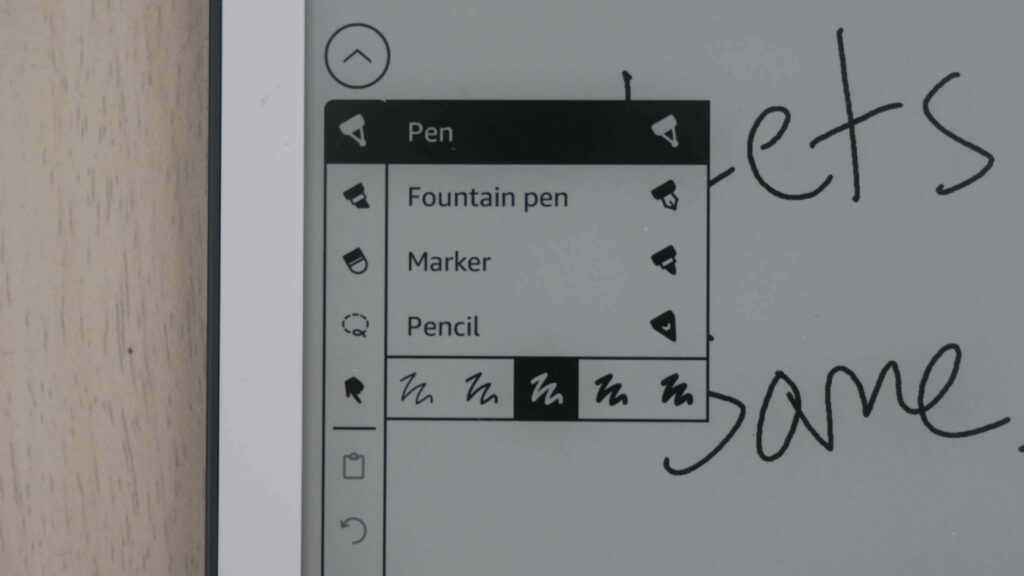
The Amazon Kindle Scribe (3rd Generation), released in late 2025, is primarily designed for note-taking and reading. Still, it offers a functional “digital sketchbook” experience for casual artists. While it is not a dedicated drawing tablet like an iPad or Wacom, its texture-molded glass and upgraded Premium Pen provide a natural, paper-like friction that mimics sketching on real paper.
PDF and book annotation on the Scribe works, but it behaves differently from traditional margin scribbling. When you write directly on the page using Active Canvas, the surrounding text reflows to make room for your notes, effectively bumping words out of the way rather than letting ink sit on top of them. The system keeps notes tied closely to what you’re reading, but it can feel a little fussy in practice. The constant reflow works well for short comments and light markup, but it’s less satisfying for dense annotation. I
The Kindle Scribe allows users to write in e-books through a feature called Active Canvas, which lets you add handwritten notes directly onto the page, causing the text to reflow around your notes. This functionality is designed for reading and taking notes in the same place, and the notes stay anchored to their original location even if you change the font size or style.
Unfortunately, sketching offers no advanced tools or layers, and customization remains limited. The device doesn’t offer smart shape recognition, so rough boxes, arrows, and diagrams stay exactly as you draw them. The pen options are also fairly basic. For casual notes and quick sketches, that’s rarely a problem, but it reinforces that writing here is a secondary feature and not overly ambitious.
You can view your Kindle Scribe notebooks through the Kindle app for iOS and Android. To access them, go to the “More” tab in the app and select “Notebooks” to view all the notebooks created on your Kindle Scribe. Additionally, you can view any highlights or sticky notes you made in books; however, you can’t view underlines or Active Canvas notes.
Drawing Tools & Pen Styles
The 3rd Gen model includes the standard brush set from previous software updates plus new artistic tools:
Reading
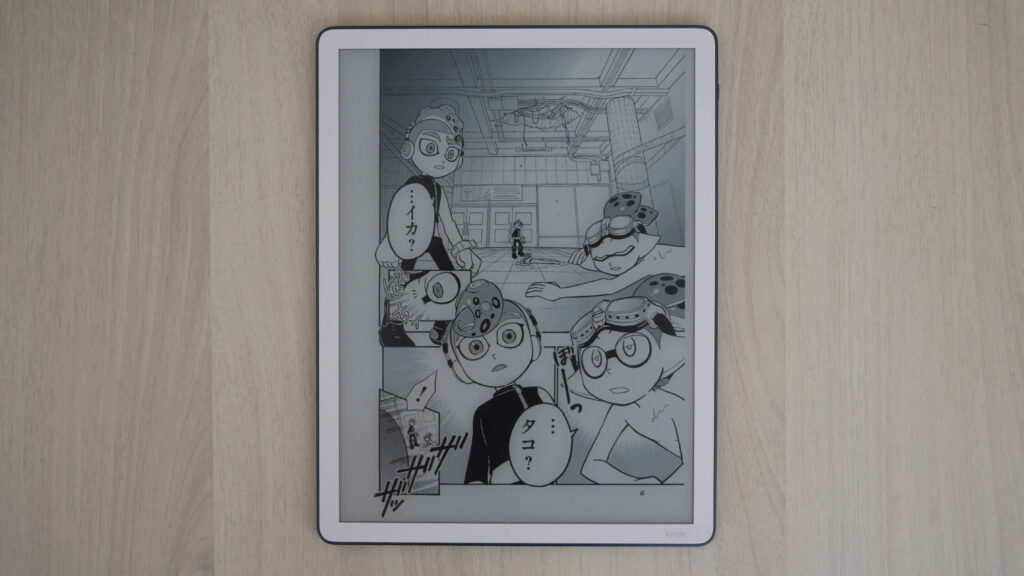
The Kindle Scribe 3 provides an rearchitected display stack has shrunk the gap between the glass and the E-ink layer, making text appear closer to the surface for a more “printed” look. The massive screen is ideal for those who need larger font sizes, as it can display a full page of text even at high magnification. Like the Kindle Paperwhite, the Scribe includes a “Warm Light” feature that shifts the screen from a cool white to a warm amber to reduce eye strain during nighttime reading.
Some people really like the large-screen Kindle Scribe not to draw, but to just read e-books on the largest screen Amazon offers. You can sync all of your past e-books, comics, magazines, manga, and other digital content right to the device. It comes bundled with the Kindle Store, allowing additional purchases. Browsing the store on an 11-inch screen is pure bliss; cover art really stands out, and even small text looks large.
If you want to load in your own e-books, it supports AZW and AZW3 Kindle file formats, as well as unprotected MOBI, PDF, PRC, and TXT. It can load DOC, DOCX, EPUB, HTML, and RTF documents after converting them with supported software, such as the Send 2 Kindle PC and Mac apps and the web app.
Comics and Graphic Novels: Provide an excellent way to read classic comics, offering a look comparable to newsprint, though they lack the high vibrancy found in glossy print or on OLED tablets.
Wrap Up
The Amazon Kindle Scribe (3rd Generation) is primarily praised for its significantly faster performance and refined hardware, though it remains a premium investment with some software limitations. At the time of publication, this product is only available in the United States through Amazon, but can be purchased intentionally through the Good e-Reader Store. Amazon has disclosed to Good e-Reader that the 3rd-generation Kindle Scribe, Kindle Scribe Colorsoft, and Kindle Scribe without Frontlight will be available in Germany and the United Kingdom later this year.